
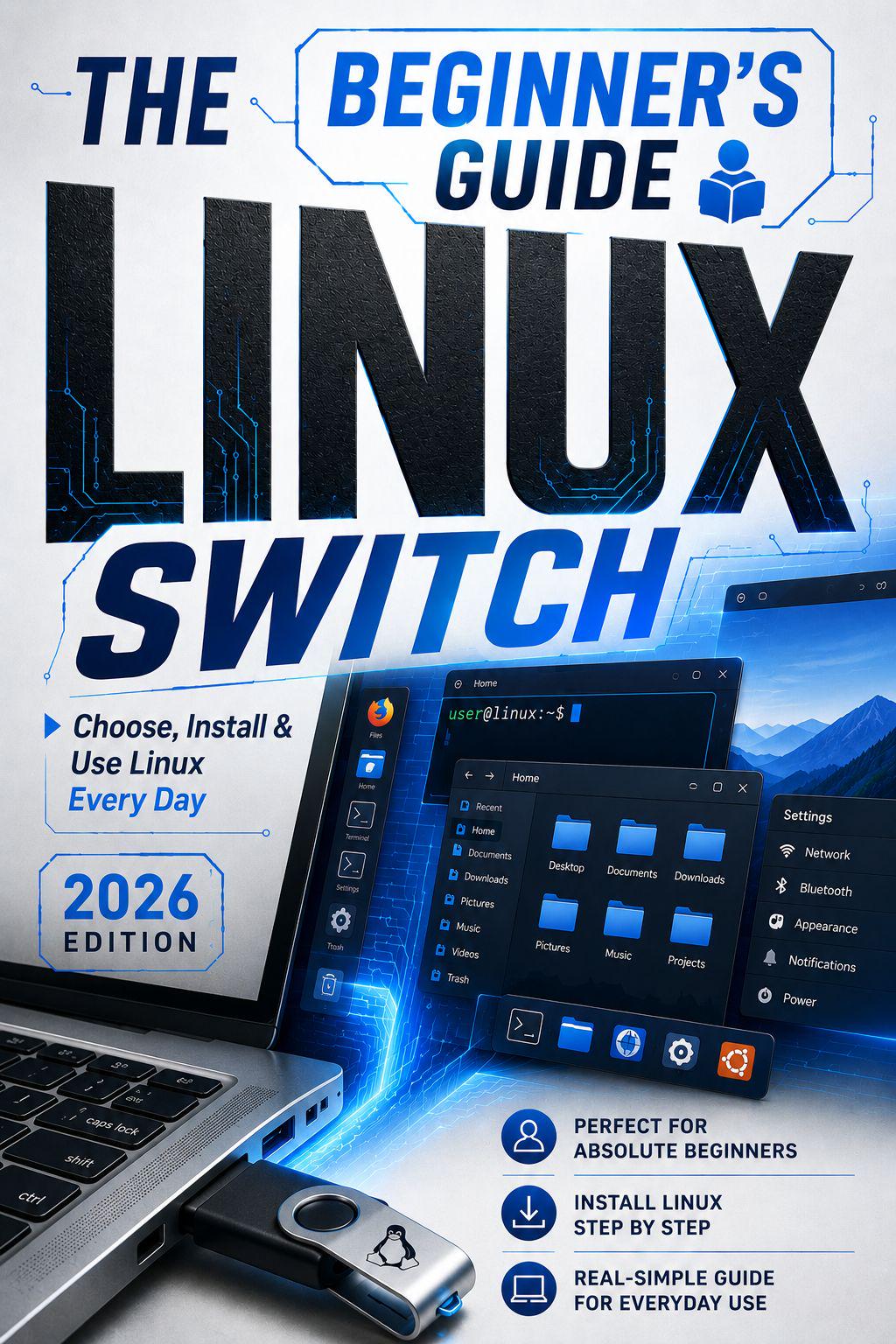
Ready to move beyond Windows and explore Linux, but unsure where to begin?
*Upgrading to Linux* is a practical guide for everyday computer users who want greater control, privacy, stability, and flexibility without being overwhelmed by technical language. It is written for Windows users, students, home users, small business users, and anyone seeking a more independent desktop experience.
This book explains the transition in clear, careful stages, from choosing a suitable distribution to using Linux in daily life. It assumes no programming or system administration experience and focuses on practical, informed decisions.
Inside, you will learn how to:
– Choose a beginner-friendly Linux distribution
– Compare Linux Mint, Ubuntu, Zorin OS, Fedora, Pop!_OS, and MX Linux
– Check hardware and back up important files
– Download ISO files and create a bootable USB drive
– Test Linux before installation
– Install and configure Linux
– Set up updates, software, printers, browsers, and everyday applications
– Build basic maintenance and security habits
– Approach the terminal with confidence
Linux can support web browsing, documents, video, file management, learning, and everyday work. With clear guidance, you can begin using it at your own pace and feel more confident with your computer.